
Hotel Website Checklist for More Direct Bookings

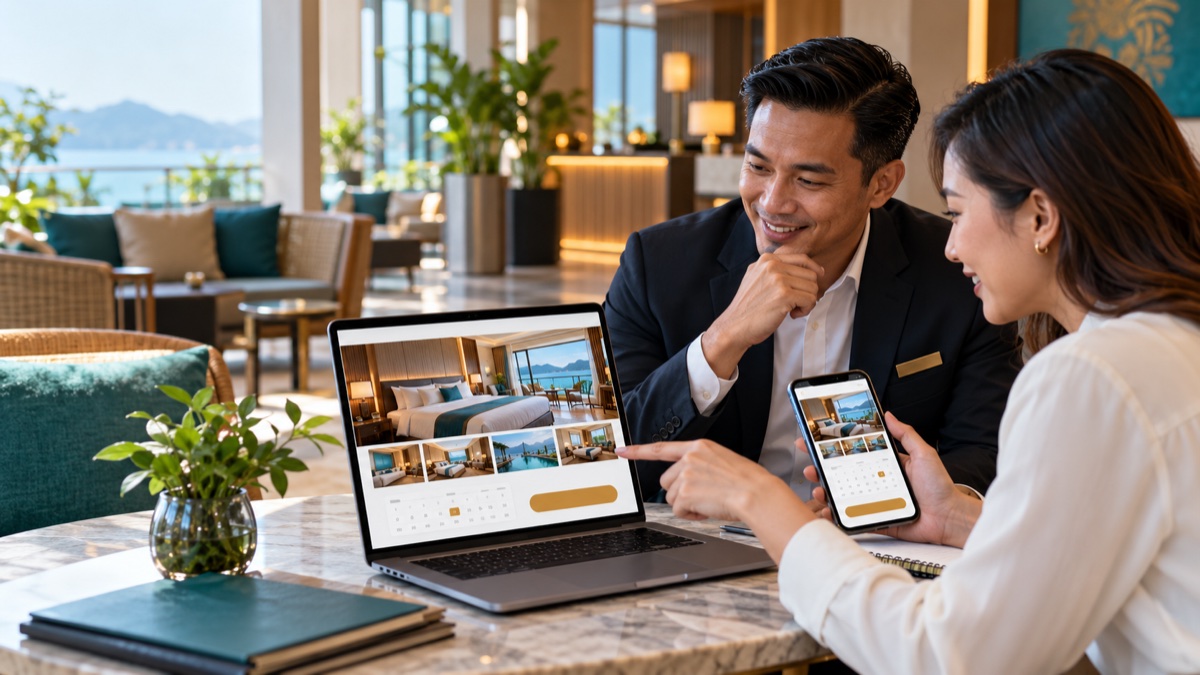
A beautiful hotel website can still lose bookings. If a traveller cannot confirm the room size, see the total price or complete payment comfortably on a phone, they may return to an OTA even after deciding they like the property.
Use this checklist to review the website as a guest would: discover, compare, trust and book.
1. Make the first screen useful
Within the first view, a visitor should understand:
- The hotel's name and location
- What kind of property it is
- One clear reason to choose it
- How to check dates or book
Avoid opening with a long brand statement that could describe any hotel. “Five minutes' walk from KL Sentral” helps a guest decide more than “where timeless comfort meets modern elegance”.
Keep the booking action visible on desktop and mobile. The button should open live availability, not a general enquiry form.
2. Test the mobile experience first
Many guests research and book on a phone, sometimes with a weak connection. Test the site on a real device rather than only resizing a desktop browser.
Check that:
- Text is readable without zooming
- Navigation works with one thumb
- Buttons are easy to tap
- Images do not delay the main content
- Date and guest selectors fit the screen
- Forms use the correct keyboard for email, phone and numbers
- A guest can return from payment without losing the booking
Compress large images and remove scripts the site does not need. Fast pages improve both the guest experience and the site's ability to compete in search.
3. Build a complete page for every room type
Do not make guests decode room names from one gallery. Each room page should show:
- Several accurate photographs of the exact category
- Floor area and bed configuration
- Maximum adults and children
- Bathroom type
- Window, balcony or view details
- Included amenities
- Accessibility information where relevant
- Key booking and cancellation conditions
- A direct link to check that room's availability
Use the same room names on the website, booking engine, confirmation email and OTA listings. Consistency reduces doubt and prevents the front desk from explaining that two labels mean the same room.
4. Answer the questions that delay booking
A useful hotel FAQ can cover:
- Check-in and check-out times
- Deposit and cancellation policy
- Parking and transport
- Breakfast hours and dietary requests
- Family, extra-bed and cot arrangements
- Accessibility
- Pool, gym or facility hours
- Tax, tourism tax or service charge display
- E-invoice request process
- How to contact the hotel
Place essential answers near the room or booking step as well as on the FAQ page. A policy hidden in the footer will not reassure someone about to pay.
5. Prove the property is real and reachable
Trust signals should be specific:
- Full address and map
- Working Malaysian telephone number
- Hotel-domain email address
- Recent guest reviews or a link to a recognised review profile
- Current photographs of rooms and shared areas
- Secure website connection
- Clear payment, privacy and cancellation terms
If renovation has changed a room or facility, replace the old photograph. Accurate expectations protect both conversion and reviews.
6. Explain why guests should book direct
Do not assume the traveller knows what direct booking offers. State the benefit beside the booking action.
Examples include:
- Direct help with modifications
- Flexible terms on a selected rate
- Breakfast, parking or a small welcome benefit
- Priority preference subject to availability
- Local support before arrival
Keep public rates and conditions aligned with your distribution agreements. Our hotel rate parity guide explains how to compare like with like before changing a price.
7. Remove friction from the booking flow
Run a test booking from homepage to confirmation. Look for:
- Dates or guest counts that unexpectedly reset
- Rooms showing unavailable after they were selected
- Mandatory account creation
- Long forms asking for information the hotel does not need yet
- Charges appearing only at the last step
- Cancellation terms that are difficult to find
- Payment methods that fail on mobile
- A confirmation page without a booking reference
The guest should see the room, rate, inclusions, policy and amount due before payment. Inventory should update through the channel manager so the direct website is not showing stale availability.
8. Cover local search basics
Search optimisation begins with accurate pages, not repeated keywords.
For each important page:
- Write one descriptive page title and meta description
- Use a clear main heading
- Describe the actual location, nearby landmarks and transport options
- Add descriptive alternative text to meaningful images
- Link naturally between rooms, facilities, location and booking pages
- Keep the hotel name, address and phone details consistent
- Maintain the property's Google Business Profile
Create useful location content only when the hotel has first-hand information. A concise guide to reaching a nearby venue is more valuable than a generic list copied from tourism sites.
9. Measure the whole funnel
Traffic alone does not show whether the website is selling rooms. Track:
- Visits to room pages
- Clicks to the booking engine
- Availability searches
- Rooms and rates viewed
- Booking starts
- Payment failures
- Confirmed bookings and revenue
- Device type and traffic source
Use one agreed conversion event for the confirmed booking page. Exclude staff tests and verify that the same reservation is not counted twice after a refresh.
A monthly 30-minute website check
Once a month, complete one test booking on a phone and one on a computer. Check a popular room, a future date, a promotion and one payment method. Confirm that the booking reaches the PMS with the correct rate and inclusions.
Fix broken paths before buying more advertising. A reliable hotel website builder, connected booking engine and shared inventory give direct traffic a fair chance to convert. If you want to review that setup for your property, book an eZee demonstration.