
Hotel Maintenance Software: A Work Order Workflow

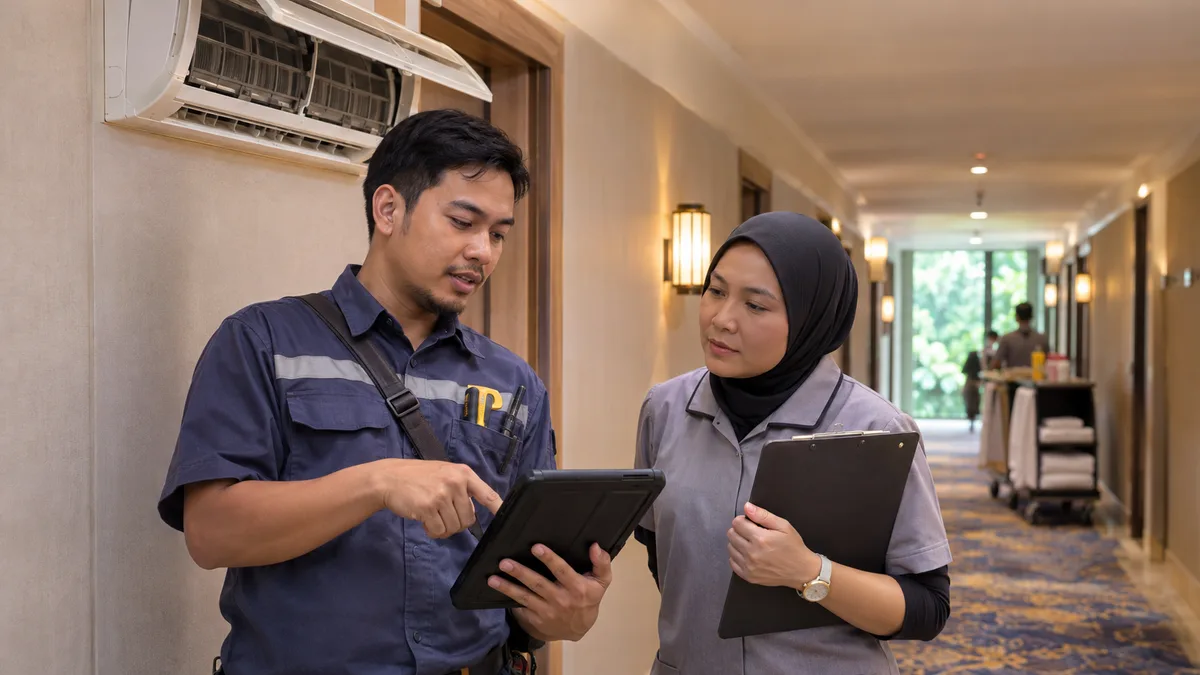
Hotel maintenance software is most useful when it gives a defect a clear path from first report to verified closure. A note left in a chat group may alert someone, but it rarely shows whether the issue was fixed, whether the room can be sold or who should tell the next shift.
Start with the work order process before comparing tools. Use one recent example, such as an air conditioner that stops cooling just before an arrival, and trace what each team needs to know.
Capture enough detail to make the task actionable
Every work order should identify the location, fault, time reported, reporter and impact on the guest or room. A photo can help if hotel policy allows it, but avoid including guests or personal belongings. Separate a symptom from a diagnosis: “unit does not cool” is an observation; the cause belongs to the technician's assessment.
Set a small priority scale. Safety or access failures require immediate escalation. Guest-impacting issues need a response target and a decision about moving the guest or removing the room from inventory. Cosmetic defects can be scheduled, but should not vanish because they are less urgent.
Link the repair to room availability
When a defect affects habitability, an authorised manager decides whether the room is out of order, can be repaired before arrival or needs a guest move. Record the decision where reception and housekeeping can see it. A closed work order should not automatically release the room for sale until the relevant inspection is complete.
The room inventory management guide explains why saleable rooms and physically ready rooms must stay aligned. The preventive maintenance checklist covers scheduled checks; this article focuses on defects reported during daily operations.
Close with a test, not just a status change
The technician records the action taken, parts used if relevant and the time work finished. The person responsible for release then checks the result: Does the air conditioner cool? Is the area clean? Has the guest or front desk been updated? Reopen the task if the fault remains.
Review open work orders at each shift handover and age them by priority. Look for repeated failures in the same room or equipment; they may justify a planned replacement instead of another temporary repair.
If you are evaluating software, ask how maintenance tasks, room status and staff notes appear in the hotel PMS. Test your own defect scenario in an eZee Malaysia demo.