
How to Reduce Hotel Booking Abandonment on Your Website

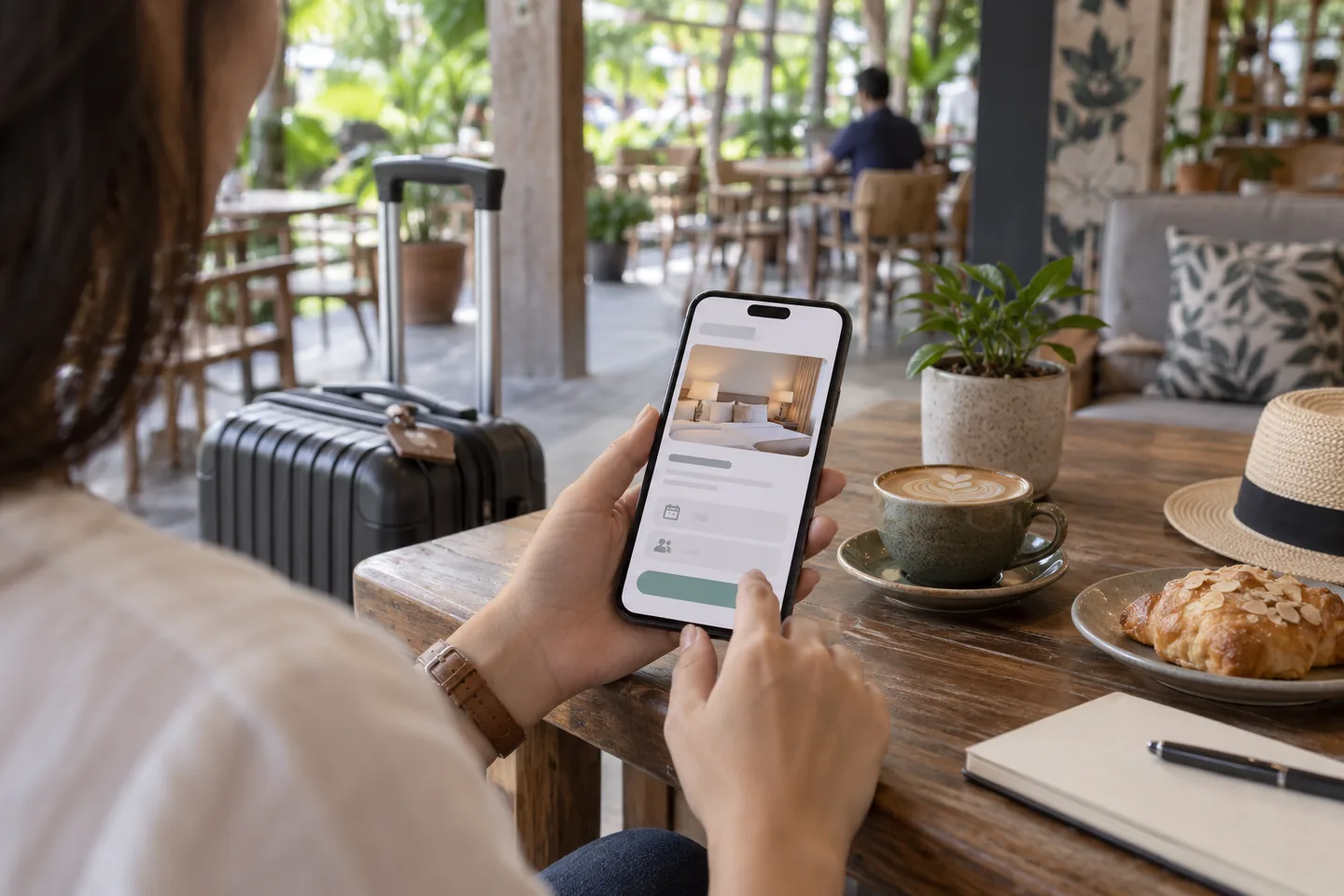
A traveller selects a room on your website, reaches payment and leaves. Hotel booking abandonment can reflect price comparison, a change of plans or a problem in the booking flow. The useful question is where guests stop and what they encounter there.
Before offering another discount, test the journey from room search to confirmation on an ordinary mobile phone.
Measure the stages separately
Where your analytics setup supports it, record room searches, room selections, checkout starts, payment attempts and confirmed reservations. Define each event consistently before comparing results.
Completed bookings divided by checkout starts measures checkout completion. Completed bookings divided by all website visits measures a different part of the journey. Mixing those denominators can hide the actual problem.
For an illustration, 20 confirmed bookings from 100 checkout starts means a 20% checkout completion rate. It does not tell you why the other visitors left or establish a target for your hotel.
Check tracking with test reservations approved by your payment provider. Reconcile confirmed bookings against the reservation system so duplicate or missing events do not distort the picture.
Keep the guest's search intact
Guests should not need to re-enter dates and occupancy every time they move between pages. Check what happens when they open room details, change a rate plan or return from payment.
Test a stay with children, multiple rooms and a date range with limited availability. These cases can reveal restrictions that an ordinary single-room test misses.
If no room matches the search, explain the result clearly. Offer alternative dates or relevant room options only when they are genuinely available.
Make room differences easy to understand
A guest choosing between two similar room names needs practical differences: bed arrangement, occupancy, size where verified, breakfast inclusion and relevant restrictions.
Use current photographs that correspond to the room sold. Explain whether a request, such as a particular view, is guaranteed or subject to availability.
The hotel website checklist covers the wider information guests need before they enter the booking flow. Checkout should reinforce that information rather than contradict it.
Show the total and payment terms early
Display the applicable total and explain what is due now versus at the hotel. Clearly describe relevant charges and inclusions rather than surprising guests at the final step.
Place cancellation terms where guests can read them before confirming. A lower price may carry different conditions; the guest should see that trade-off alongside the rate.
Check that your configured charges and descriptions reflect your actual policies. Ask the appropriate adviser to confirm tax treatment rather than copying another hotel's checkout wording.
Investigate failed payments
Test supported payment methods and the return path after success, failure and cancellation. Staff must be able to distinguish an unpaid booking from a paid booking whose confirmation failed.
Do not tell a guest to pay again until the payment status has been checked. Provide a clear support route and a booking reference where one exists.
eZee's booking-engine overview describes a responsive direct booking flow and integration options. Verify the specific payment methods and configuration available to your property during a demo.
Remove friction on smaller screens
Check date selectors, readable policy text, form errors and the payment button on a real phone. Ask for information needed to complete the reservation; move optional preferences to a later stage where practical.
A guest should know whether a click is still processing and receive a clear reservation outcome. Avoid an ambiguous blank screen after payment.
If you follow up on an unfinished booking, use an appropriately consented channel and confirm the reservation status first. Do not send recovery messages to guests who have already completed their stay purchase.
Improve one issue at a time
Choose a specific problem, such as lost search dates or unclear payment terms, and compare the same stage before and after the change. Allow for differences in traffic sources and travel periods.
Bring a realistic booking scenario to an eZee booking-engine demo. Improving the direct booking flow starts with making the next step clear and dependable.